Using the CTRL-print screen command, the image of what is on the entire computer screen will be saved as graphic data that can be pasted into a document, or edited in a graphics program. Using CTRL-ALT-print screen will capture the selected window.
Pasting a picture into Word
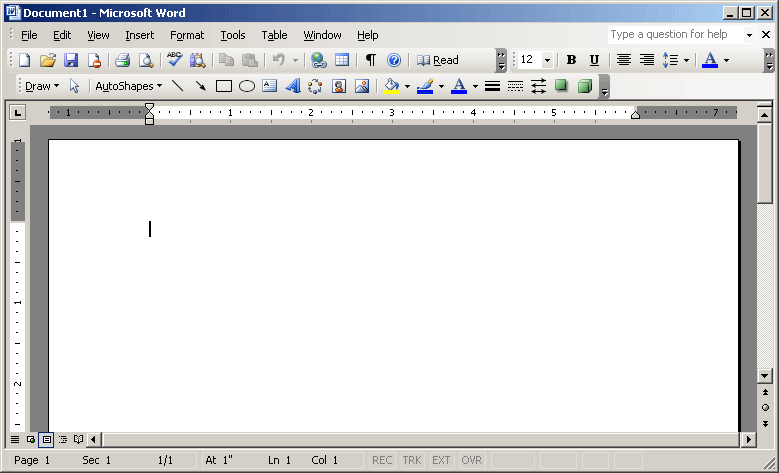
The Word editor with the "Draw" tool bar.
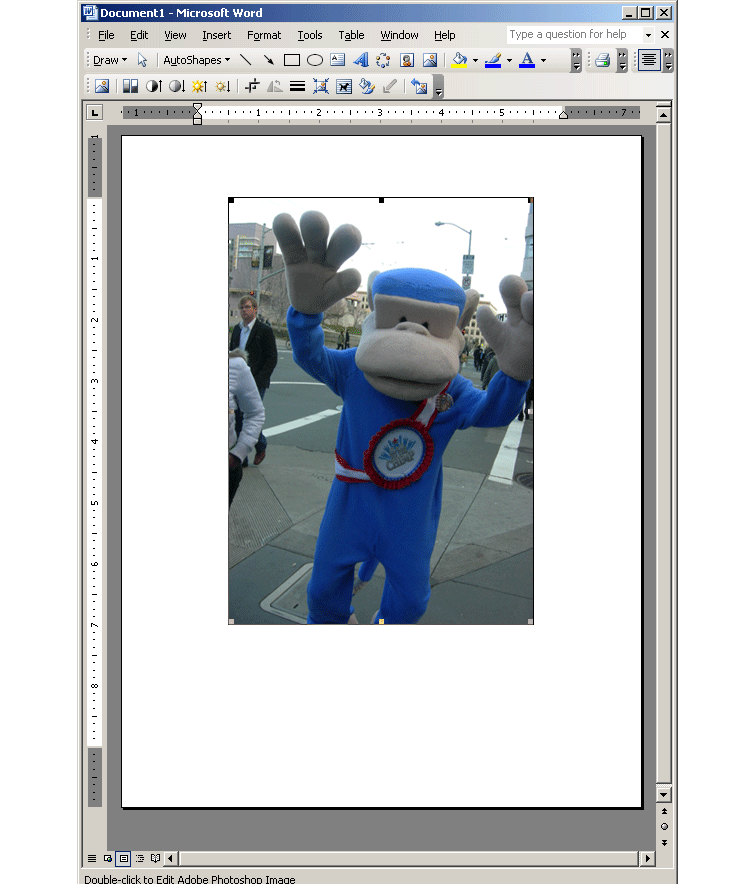
"Pasting" a picture into the Word document.
This also shows the "Picture" tool bar for editing after pasting in.
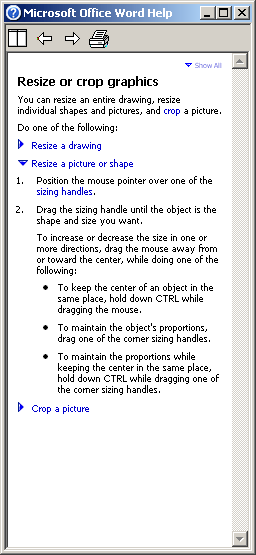
Word help window for resizing graphics.
Pasting a picture into Excel
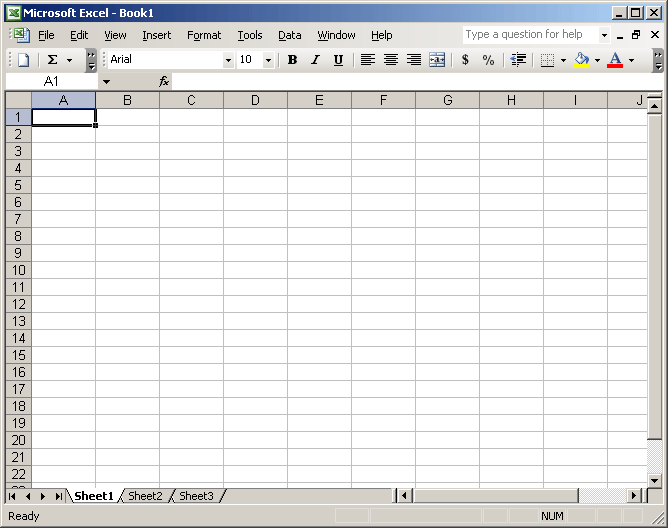
The Excel Window with Menus and Tool Bar.
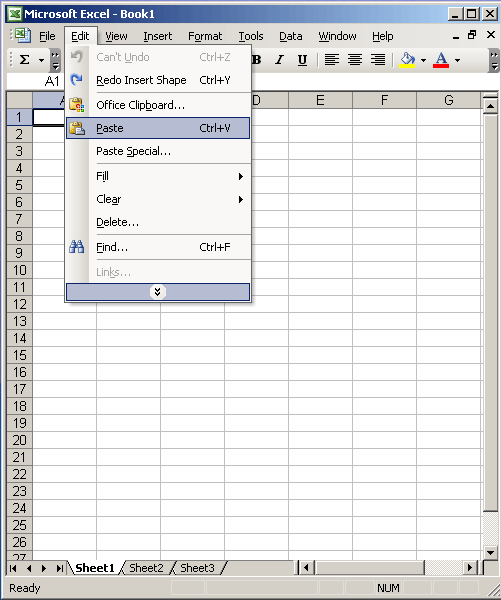
The "paste" command from the Edit menu.
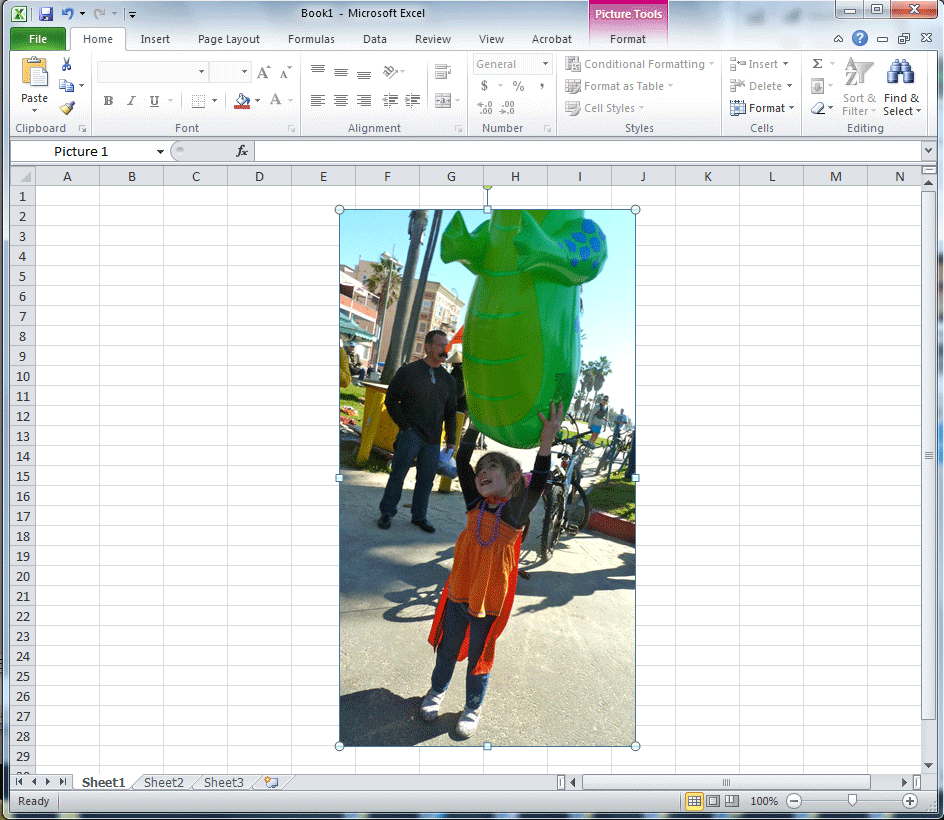
A "pasted" picture in Excel.
Reading Assignment:
- Word and Excel - Online help files & video tutorials